
Voice flashcard apps, compared honestly
“Voice flashcards” hides two different promises: apps that read cards to you (listening), and apps that check what you say back (graded spoken recall). Most apps do one. Here is who does what, including our own clearly marked app, so you can pick the right tool for your study routine.
| App | Checks your spoken answer | Hands-free listening | AI card creation | Where cards live |
|---|---|---|---|---|
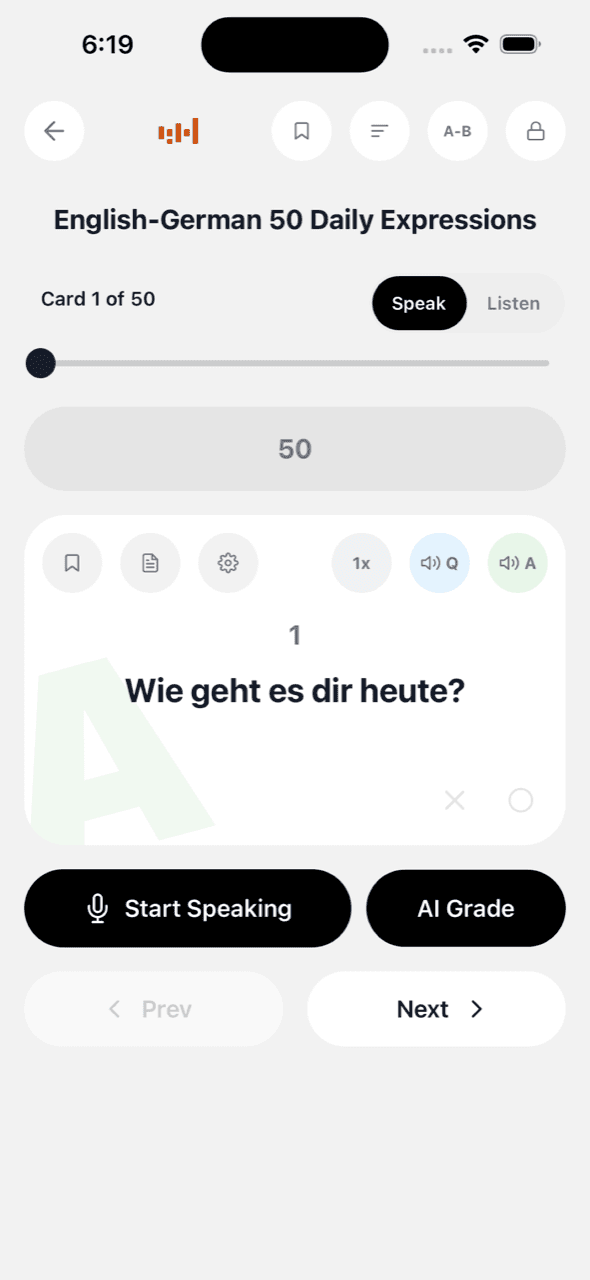
| VoiceCards (ours) | Yes. On-device STT checks your spoken answer; optional AI grading scores open-ended answers by meaning. | Yes. Autoplay TTS with screen off, lock-screen controls, per-side voices. | Yes. From a prompt, up to 10 photos, or a PDF up to 40 MB. | Your own Google Sheet in your Drive; no server-side copy. |
| Audio Flash | Yes. Records your spoken answer and evaluates it; 30+ languages. | Yes. Questions read aloud via TTS or audio files. | Not a core feature per its site. | In-app decks. |
| MemTalk | Yes. Speak the answer aloud for instant verification; supports mixed language pairs. | Yes. Audio-first review. | Not a core feature per its listing. | In-app decks. |
| FlashRecall | Partial. The loop is listen, repeat aloud, then flip to self-check; voice is also used to create cards. | Yes. | Voice-to-card creation (speak a card into existence). | In-app decks. |
| Study Cards (Talking Flashcards) | No. It is listen-oriented; cards are read aloud on repeat. | Yes. Device TTS reads decks on repeat. | No. | In-app decks. |
| Anki + TTS add-ons | No built-in spoken-answer checking; recall is self-graded. | Via community add-ons, desktop-centric setup. | Via third-party tools that export to Anki. | Anki database, synced through AnkiWeb. |
| Quizlet (audio features) | No spoken-answer grading; study modes are typed/multiple-choice. | Card audio playback; not a hands-free lock-screen loop. | AI features on paid tiers. | Quizlet servers; huge shared-deck library. |
Competitor rows summarize each app’s own public description as of July 2026. Features change, so check their pages before deciding. VoiceCards is our app.
The distinction that actually matters
Listening to cards builds familiarity and is useful for commutes and pronunciation. But familiarity and recall are different memories. A deck you have only heard can feel known and still fail under pressure. If your exam, interview, or conversation requires producing answers, you want an app that makes you say the answer first and tells you whether you got it right. Check for speech recognition against the expected answer and meaning-level grading for open-ended cards.
How to choose
You mostly study in dead time (commute, gym): any app with solid hands-free playback works, including Audio Flash, MemTalk, Study Cards, or VoiceCards’ Listen mode. Pair it with spoken drills in the evening (the listening loop explains the pairing).
You’re preparing something spoken (oral exam, interview, language speaking): prioritize graded spoken recall with VoiceCards, Audio Flash, or MemTalk. Add meaning-level AI grading if your answers are open-ended sentences rather than single words.
Your material arrives as textbooks and PDFs: look at AI generation. VoiceCards builds decks from photos or a chapter PDF into an editable Google Sheet (the chapter-to-deck pipeline); third-party generators can also export into Anki.
You want a battle-tested SRS scheduler above all: that is still Anki. See our own honest take in VoiceCards vs Anki.
Match the app to a study method
For hands-free exposure, use the listening loop: hear the deck during the day, mark difficult cards, then retrieve them aloud later.
For exams and interviews, use speak-aloud active recall: attempt one specific answer before the app reveals or grades it.
For language production, build phrase-sized cards with chunking translation, then reverse the deck to train comprehension and speaking separately.
Keep reading
Audio flashcards for hands-free review · Study methods library · Ready-made study templates · Exam prep by voice