
Audio flashcards: listen, recall, then say the answer
Audio flashcards play a spoken question, leave time for your answer, then reveal the spoken response. They turn commutes, walks, and chores into useful review time without keeping your eyes on a screen.
What are audio flashcards?
Audio flashcards are question-and-answer cards delivered by sound. A spoken question plays first, a pause gives you time to retrieve the answer, and the spoken answer follows. The format works best when the card is short enough to understand and answer without looking at a screen.
Listening alone builds familiarity. To make the session active recall, attempt the answer before it plays. Say it aloud when the situation is safe, or form a specific answer in your head before the reveal.
How Listen mode works
VoiceCards reads each card aloud with natural text-to-speech: question first, an adjustable pause to recall the answer, then the answer. You control the pause length, reading speed, and voice. Questions and answers can use different voices in the same language, so your ears always know which side is playing.
Playback continues with the screen locked or while you use other apps, with controls on the lock screen, much like a podcast app. Already-played audio is cached on your device, so repeating a deck on the subway works offline and costs no additional credits while your balance is above zero.
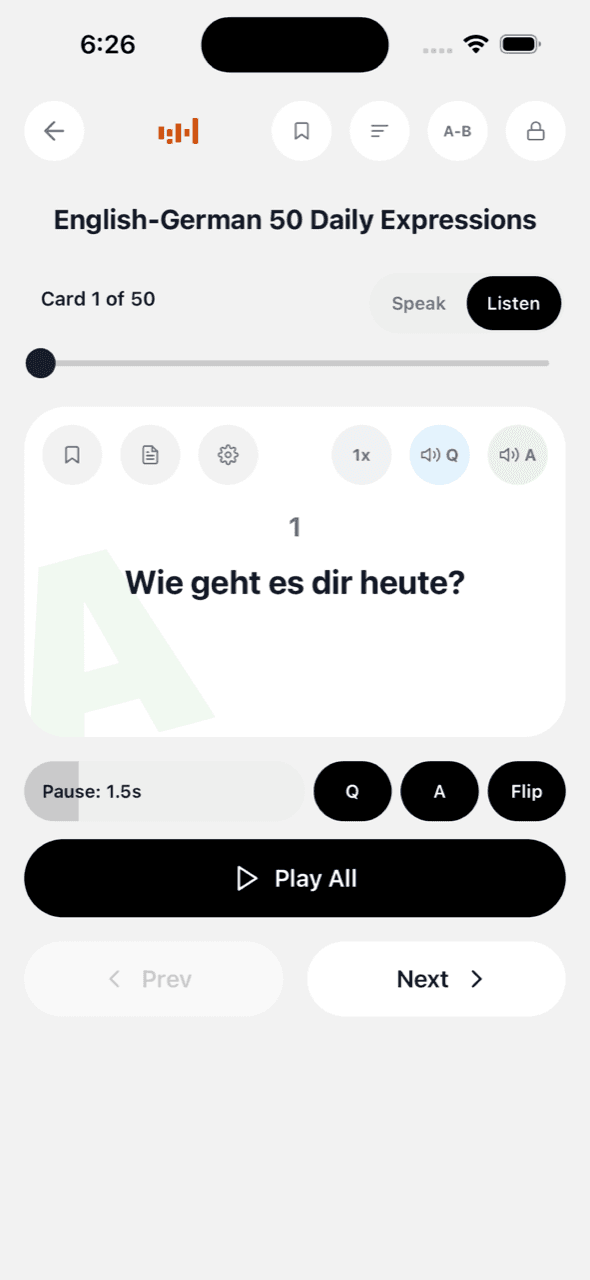
A three-part audio flashcard routine
First, prepare 10 to 30 cards with one clear question and a short spoken answer. Second, listen with a pause long enough to attempt each answer before the reveal. Third, bookmark the cards that did not surface and answer those aloud in Speak mode later. Listening supplies extra exposure; speaking closes the retrieval loop.
Any content can become an audio course
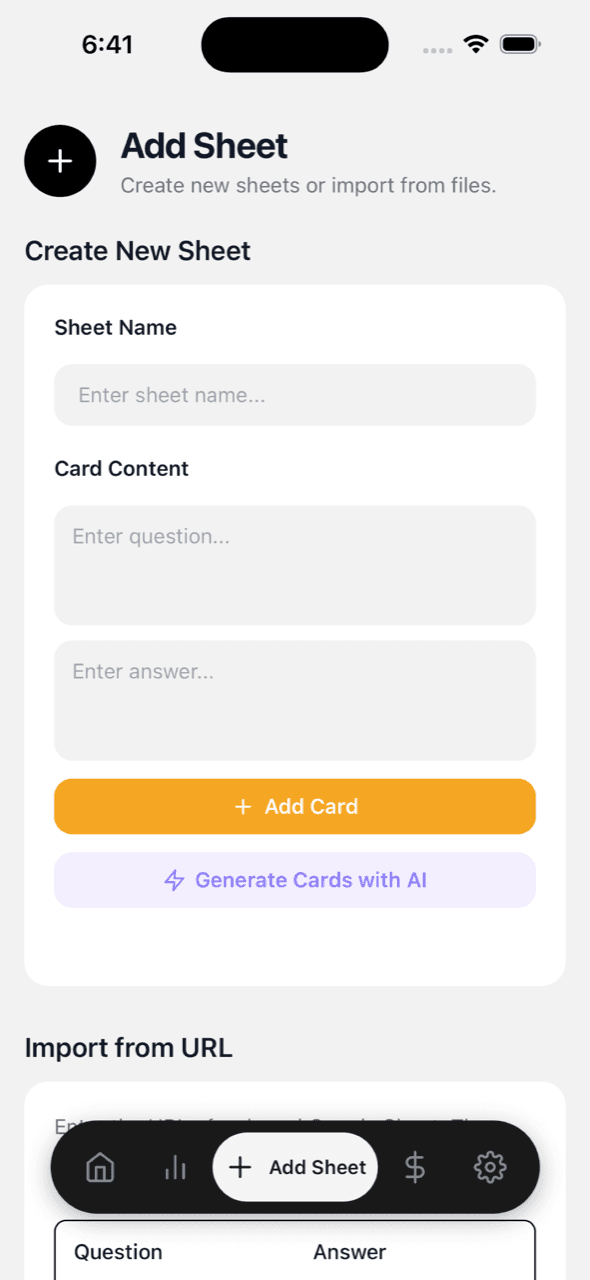
Decks live in your own Google Sheet, so anything you can put in two columns becomes audio: vocabulary lists, exam questions, definitions, scripture, or lines for a play. You can also use the built-in AI to turn a topic prompt, textbook photos, or a PDF up to 40 MB into an editable deck.
What it costs
Listening with your device's built-in voices is free, with no subscription. Premium voices use credits from one-time packs starting at $0.99, with prices varying by region. Cached audio does not consume additional credits when replayed. At zero credits, the app uses the device voice so the session can continue.
Frequently asked questions
Do audio flashcards count as active recall?
They count as active recall only when you attempt the answer before it plays. Letting every answer play without a retrieval attempt is useful exposure, but it is passive review.
Can I use audio flashcards while driving?
Use hands-free playback only, prepare the deck before moving, and do not touch the phone while driving. Follow local traffic laws and save bookmarking or grading for when you are parked.
Are audio flashcards useful for language learning?
Yes. They connect spelling with pronunciation and make phrase review easier to repeat. Pair listening with spoken production so familiar sounds also become phrases you can produce.
Can I make audio flashcards from my own notes or PDF?
Yes. You can type or paste question-and-answer rows into your Google Sheet, import a spreadsheet, or generate an editable deck from photos, a topic prompt, or a PDF.
Are audio flashcards free?
Device voices are free and require no subscription. Natural premium voices use credits, and previously generated audio is cached for replay.
Keep reading
Turn a PDF, Google Sheet, or your notes into audio flashcards · Method: the listening loop · Method: speak-aloud active recall · Voice flashcard apps compared · Ready-made study templates · FAQ · vs Anki · vs Quizlet