
Learn a language by speaking it, not tapping it
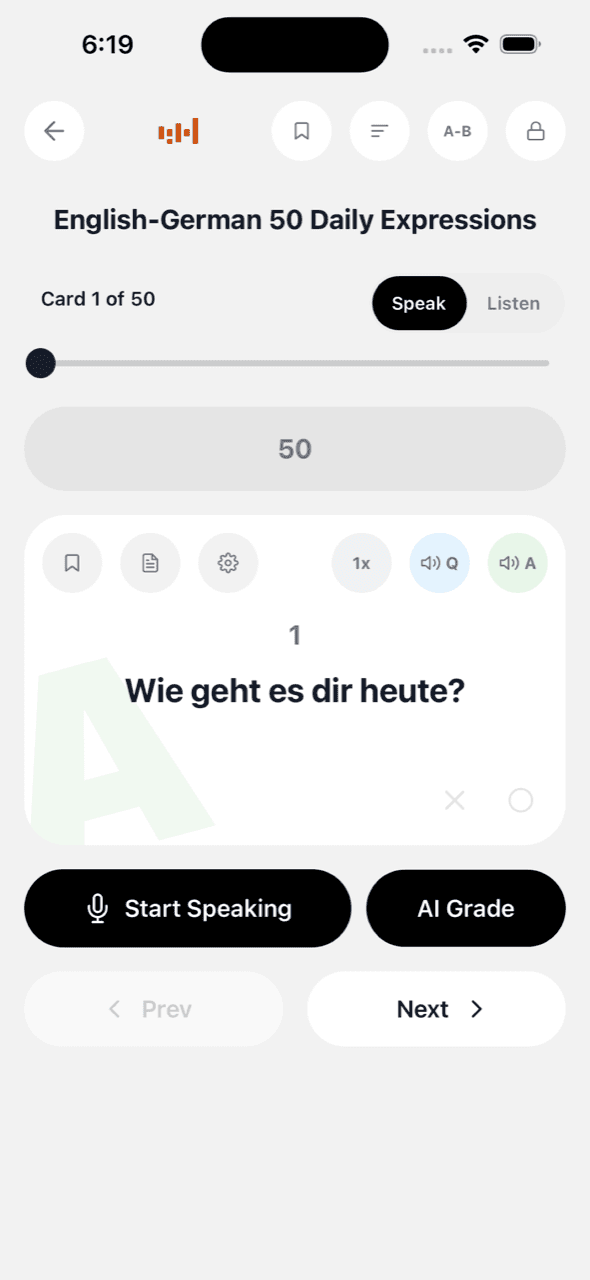
You can recognize a word on a flashcard and still freeze when you need to say it. VoiceCards helps you practice that skill: say the answer in the target language and check the transcript, or listen until the phrase becomes familiar.
Speaking practice with instant feedback
In Speak mode, the app shows a word, question, or other prompt, and you answer out loud in the target language. Your speech is transcribed and checked against the expected answer, so every card tests recall without relying on self-grading.
An optional AI grading mode goes further for open-ended answers: it scores your spoken response by meaning, accepts fair paraphrases, and suggests a more natural phrasing.
Hear every card clearly
Cards play in 29 languages with natural text-to-speech, and each side of a card can use its own voice — English question, Spanish answer, or two different voices within one language so dialogue drills feel like two speakers. Listen mode keeps reading hands-free with the screen off, which turns a commute into shadowing practice.
Your vocabulary, not someone else's deck
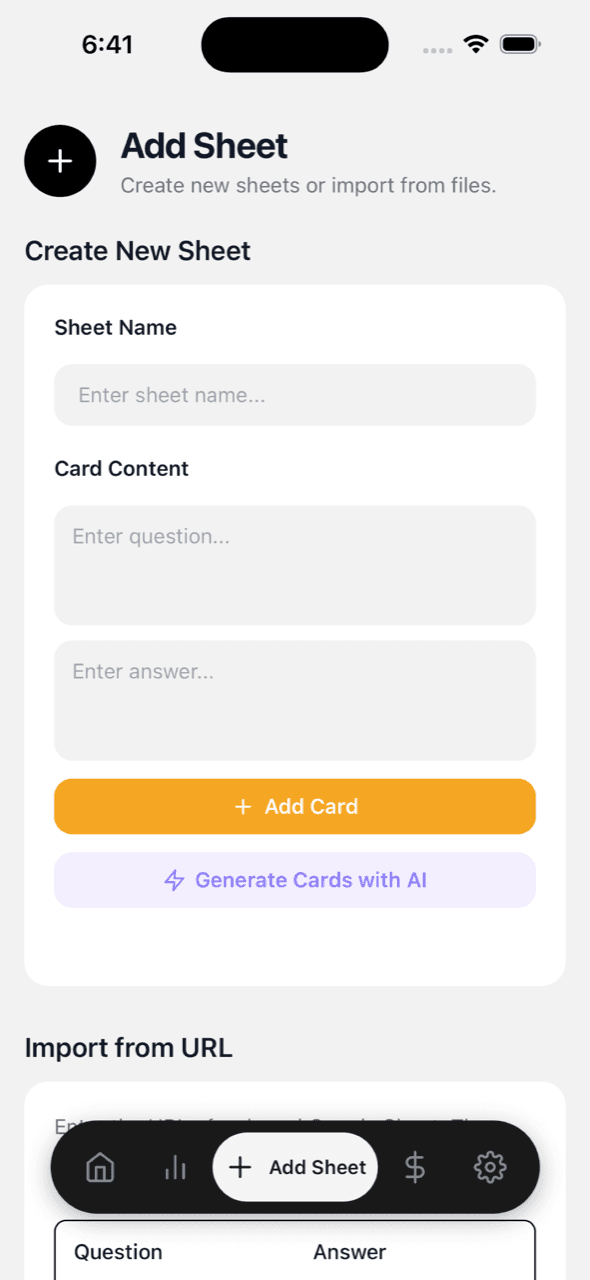
The words you actually need from your class, textbook, or job rarely match a downloaded deck. VoiceCards decks live in your own Google Sheet: type pairs in any browser, or use a textbook photo or PDF to generate an editable deck. Learners use VoiceCards for material ranging from French course chapters and Korean-Chinese daily expressions to English antonym sets.
Volume beats perfection
Language memory follows practice volume. Per-deck goals ("speak it 1,000 times"), daily streaks, and a Today's-5 quest keep the repetitions coming, and the stats show which decks are going cold before you forget them entirely.
Keep reading
Audio flashcards for hands-free review · Exam prep by voice · VoiceCards vs Quizlet · Method: chunking translation · FAQ · vs Anki